

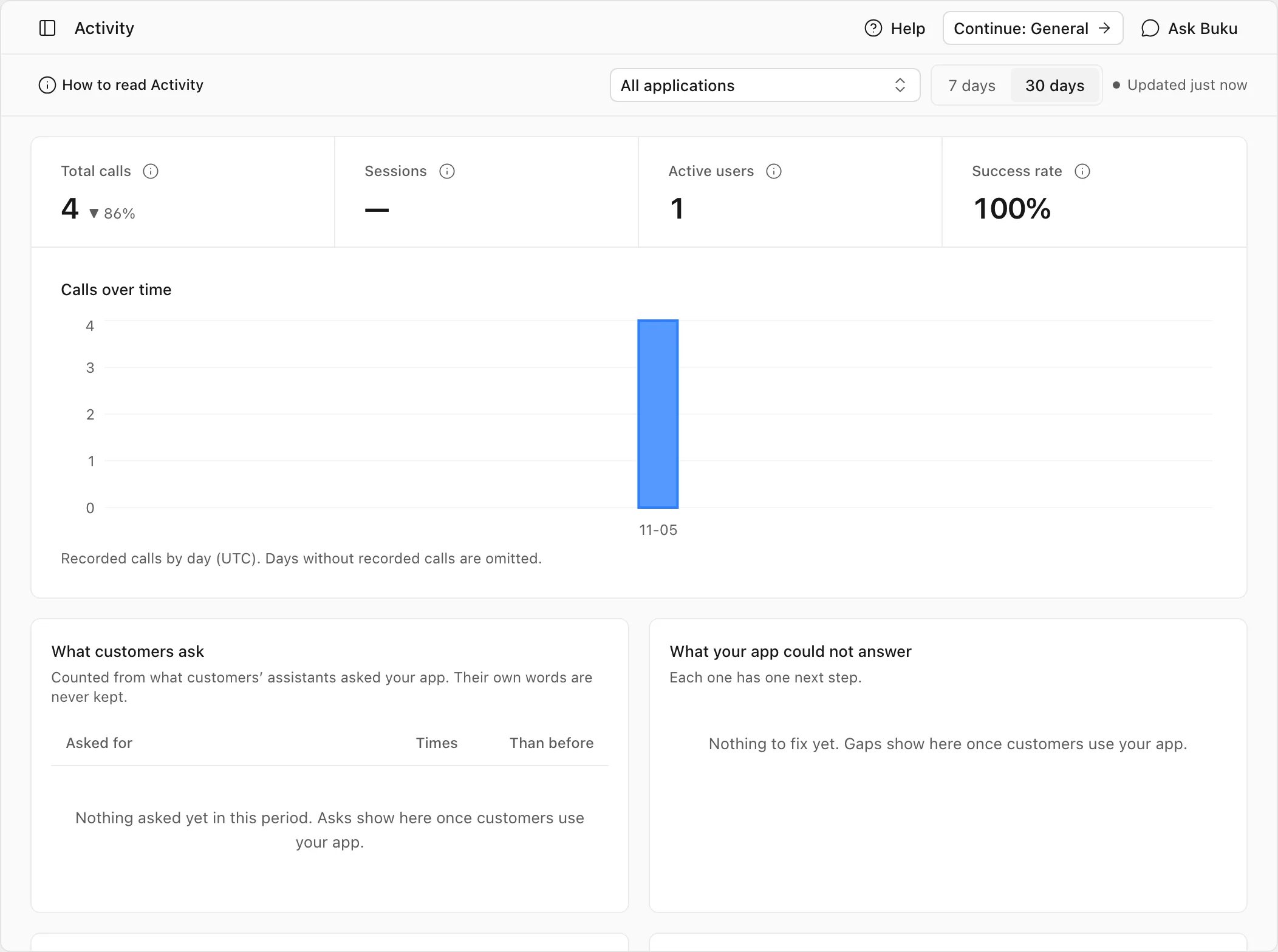
What the numbers mean
Chats in Try it count here too. The test chats Aibuku runs to measure your visibility do not.
Before anyone has used your business, the page says No calls yet and offers two next steps: List it in the Aibuku app, so people can find your business in ChatGPT and Claude, and Try it yourself, which opens Try it.
The sections
- What customers ask — what customers asked your app for most, such as a kind of item, a price limit or a detail like the gearbox. Each row shows how many times in the period and the change from the period before (New when it was not asked before).
- What your app could not answer — where your app fell short, each with one next step (see below).
- What people used most — the things people use your business for the most.
- Asked for, not offered yet — things people asked for that your business cannot do yet. A good place to find what to add next.
- By application — use per application, if you have more than one.
- By assistant — use per assistant, such as ChatGPT or Claude.
- Diagnostics — technical details, like how fast your business answered.
What customers ask, and what your app could not answer
Aibuku counts what customers’ assistants asked your app, and groups it for you. It never keeps a customer’s own words: you see the kind of thing asked for, in your own words where it is yours (your categories, your items, your details), and how often. What your app could not answer puts each gap in one of three groups:
Nothing is sent until you send it. When customers asked something and your app answered all of it, the panel says so. When nobody asked anything yet, it says there is nothing to fix yet.
Need help on the page itself? Choose How to read Activity.