

Every project has Offerings, including one set up with Just check how AI sees my business. There, Studio stays locked, but your products and services are open to see and change. See Just check how AI sees your business.
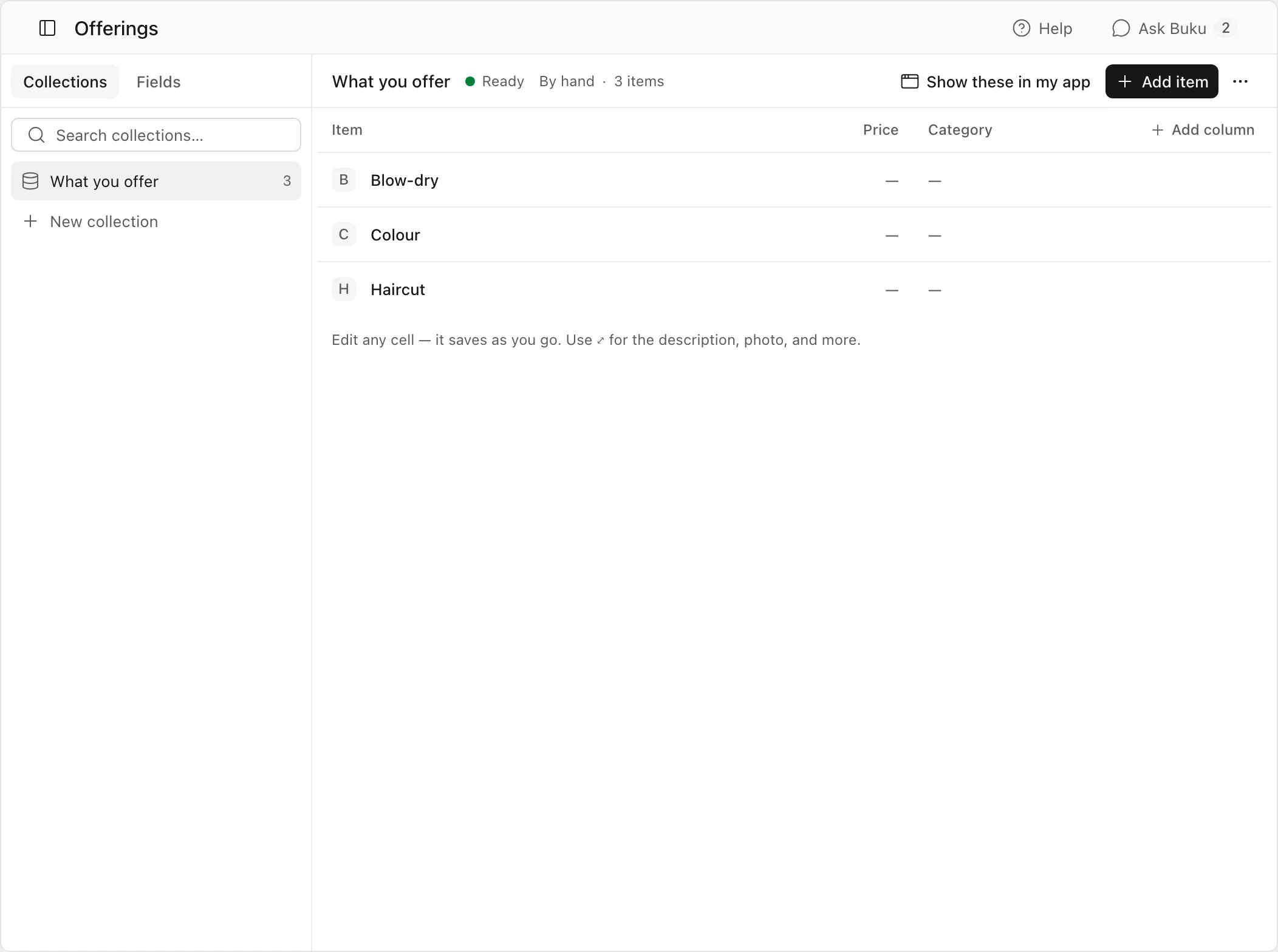
The same items as Studio
Studio shows your lists too, under Your app → What you sell. Both read the same lists, so a change made in one is there in the other. Use whichever is closer to hand.Your lists
On the left, Collections lists each of your lists with how many items it has. Search them with the box above the list. Choose a list to see its items on the right, and choose an item to open it. Fields shows the details each item of a list has, such as a price, a length or a picture.Add a list
Choose New collection. Then pick where its items come from:- Custom collection: name it, choose its details, and add the items yourself.
- Data set: read a list from your website, upload or paste a spreadsheet, or build a list of services by hand.